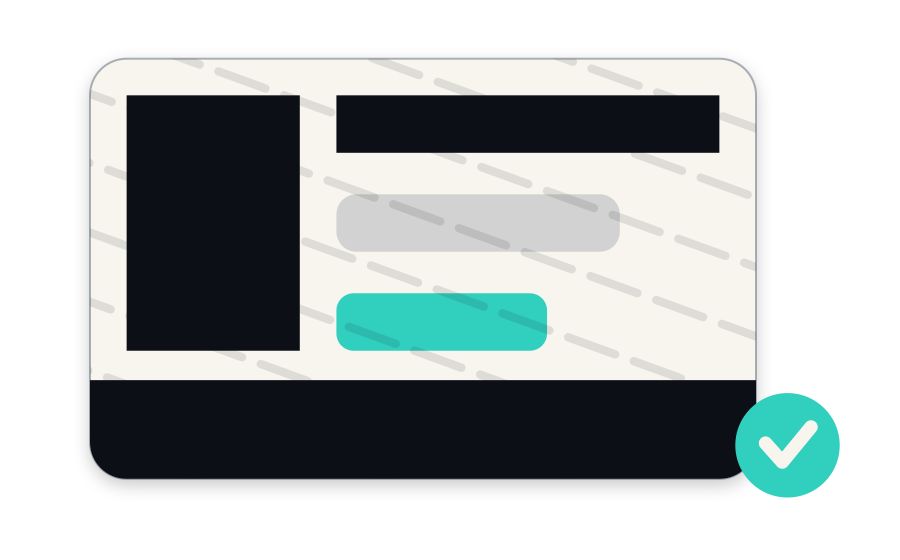
Mask a document
Photograph your ID card, driving licence or passport and cover the fields the recipient does not need. You get back a masked, watermarked copy.
Your identity, on your phone
Your ID card, driving licence and passport stay where they already are — on your phone. Cover the fields the recipient doesn't need, or share just the one fact a business asked for: that you're over 18, that the name matches, that you're real.
Your photo and your document stay on your phone.
And when a business sends you a link to verify, on iPhone there's nothing to install: the link opens it, you verify, it's gone.
All of it happens on your phone. No account to create, no server, nothing uploaded.
Photograph your ID card, driving licence or passport and cover the fields the recipient does not need. You get back a masked, watermarked copy.
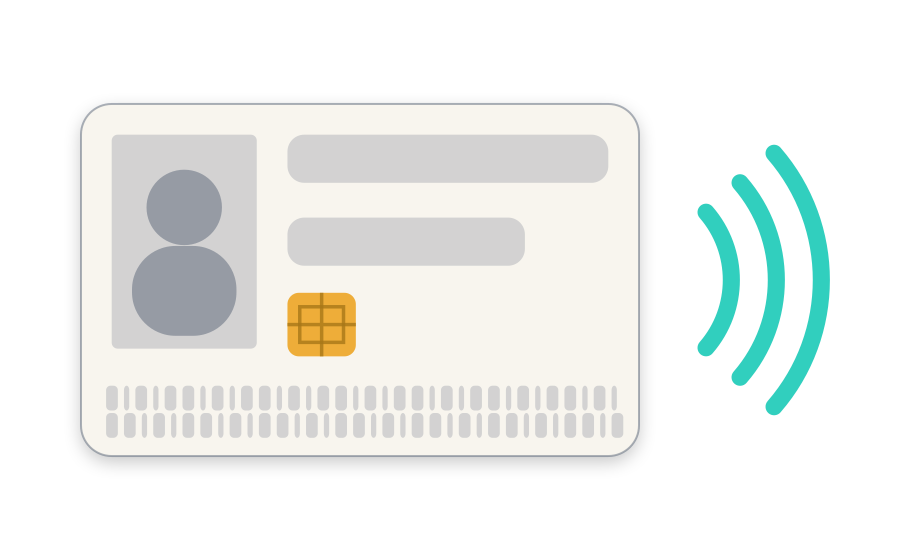
Hold a biometric ID card or passport against the phone and see what its chip says — and whether the document is genuine.
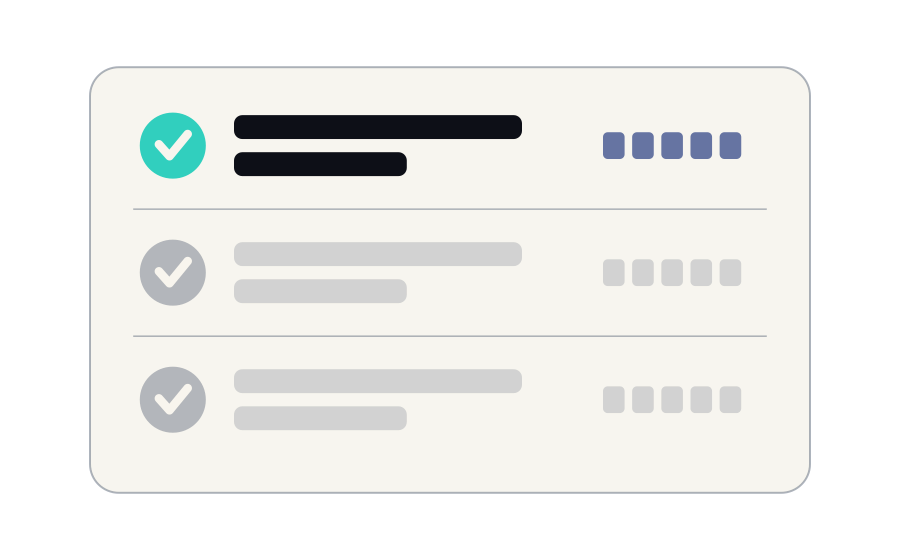
Everything verified, read or masked on this device, each with a locator you can quote.
Stays on your phoneTap the link they send, take three steps, done. On iPhone there's nothing to install.
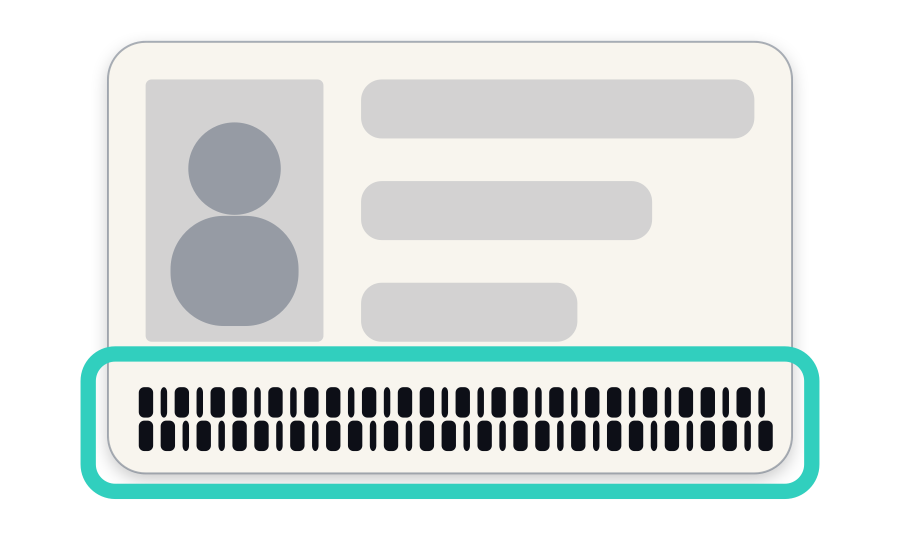
The rows of letters, numbers and chevrons on the back of an ID card, or on the photo page of a passport.
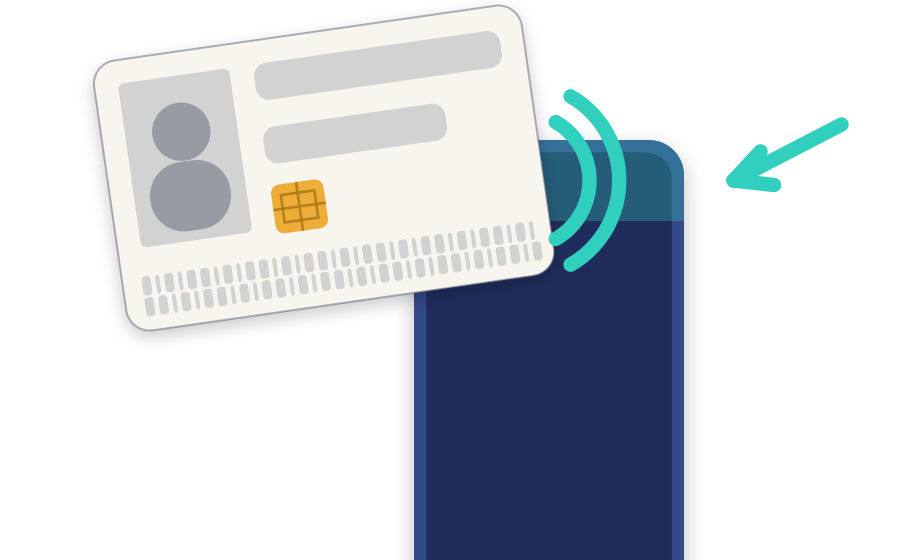
The reader is behind the top edge. Rest the document flat there and keep it still until the phone says it's done.
The business gets only what it asked for, and your phone keeps a record with its own locator — no copy of your data.
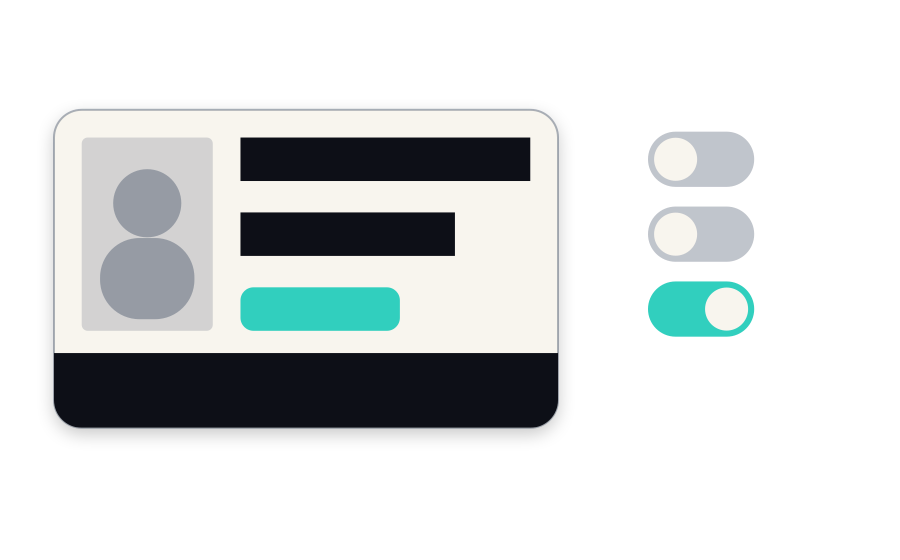
A landlord, a hotel or a rental desk has no business seeing your whole ID. Pick how much the recipient gets, or set it field by field: the boxes are burned into the image, and the copy comes back watermarked with what it was for.
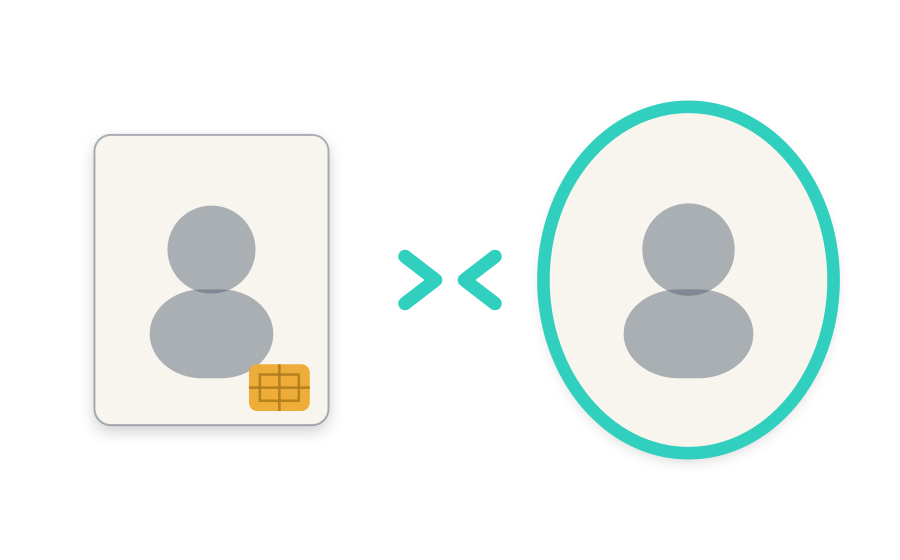
When more assurance is needed, your face is compared with the portrait signed inside your document's chip. A stolen ID card doesn't pass. The comparison happens on your phone, and that photo is never stored.
Your document and your photo stay on your phone. There's no copy of your ID sitting on a server somewhere waiting to leak.
Proving you're over 18 shouldn't reveal your address. You see what's being asked for, and only that is answered.
Tap the link, verify, done. No download, no new account, no password to forget.
Your real document, checked against the country that issued it — no blurry photo rejected three times, no waiting days for someone to review it.
What you can ask for, what you receive and how to integrate are on the ID Protekt page for businesses. Investor? Write to info@ism.ec.
Mask your ID before you send it to anyone. It takes less than a minute.